
Time Sailor Animated Watchface4.2 - Google Play
You'll be able to see results in few seconds.
Publisher Description
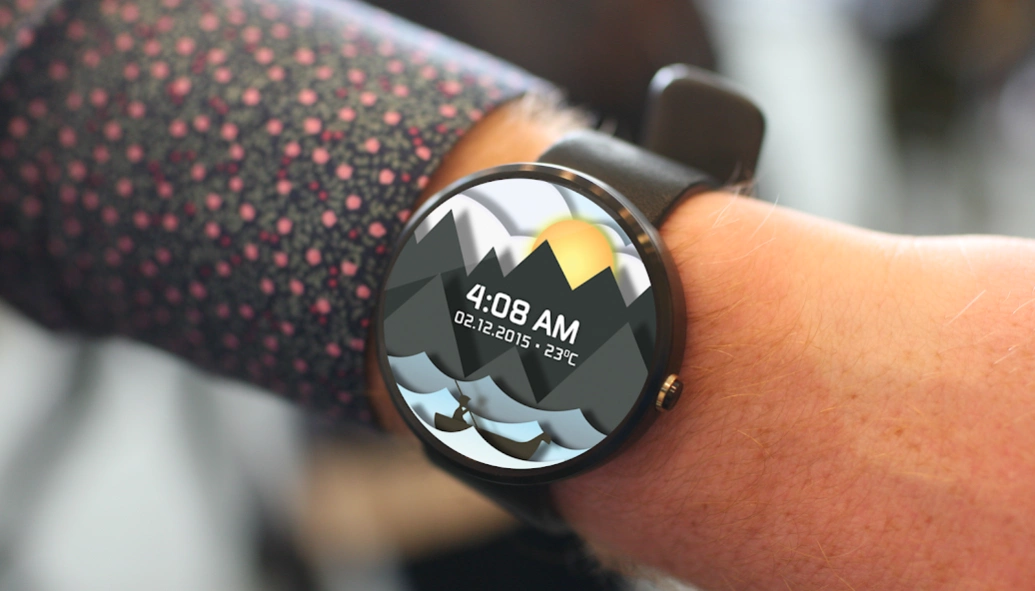
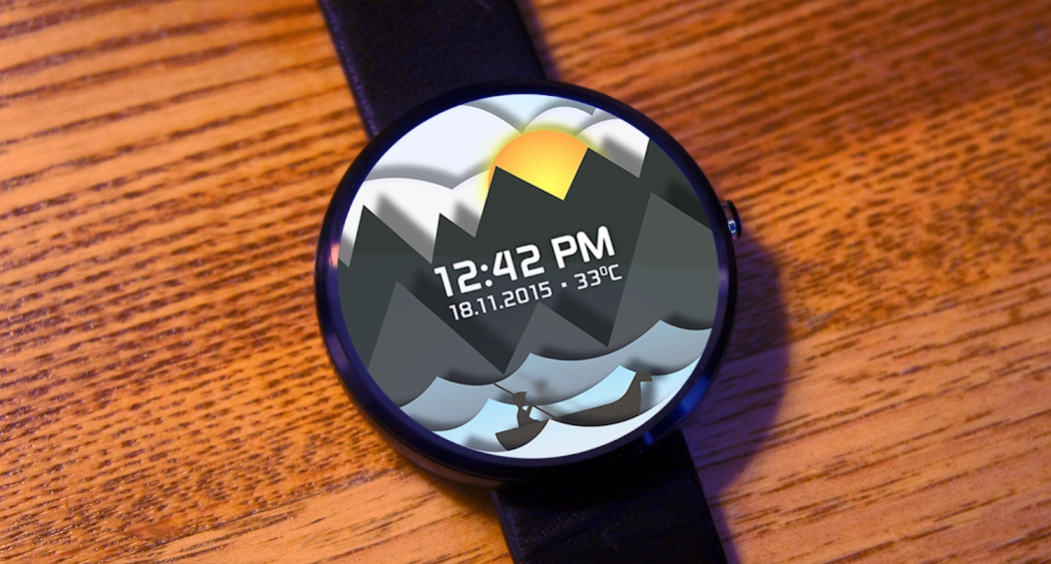
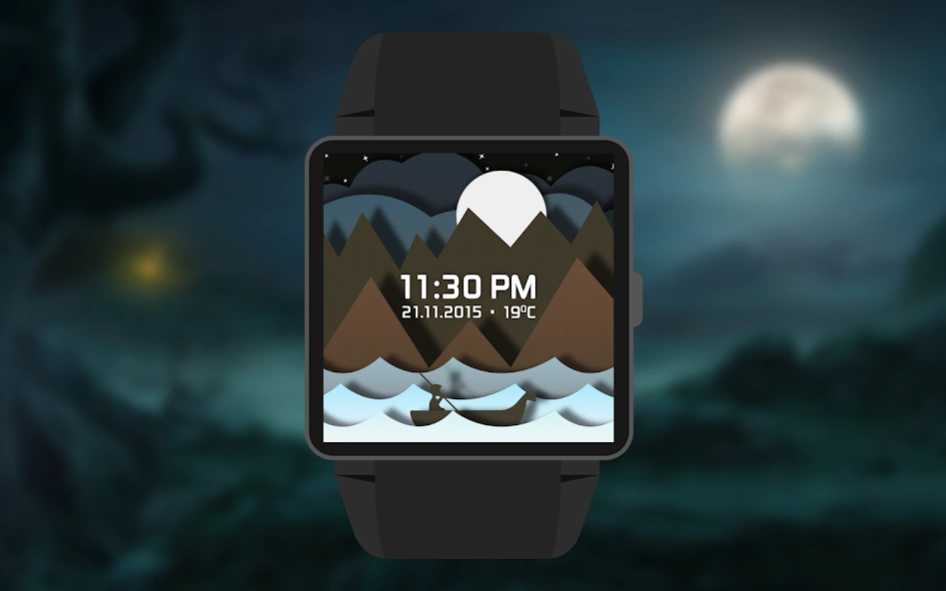
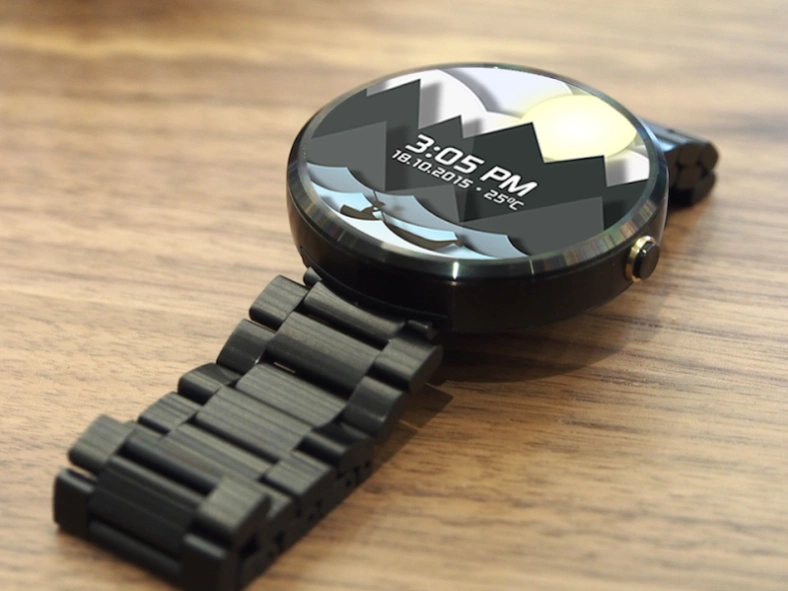
The ever changing beautiful animation which gives you a sense of movement.
“The Winds and Waves are always on your Wrist”. Sail your day with Time Sailor watch face. It's a miniature of what's happening on the big screen in the real world
What you feel:
★ Sailing continuously in life
★ Sails past the obstacles and Sails towards your target
★ Sails to conquer and Sails and everything moves with you
★ Date and Temperature are updated as optional settings.
★ Now, you can read the temperature in Celsius or Fahrenheit scales.
What is Unique?
★ Color of the digits changes to indicate the unlocked screen
★ Glimpses of Amazing Sunrise and Sunset
★ Stunning Design
★ Displays a Date and temperature of your location
Just a Click:
To know more about Time Sailor Watch Face Visit: http://insideglobe.com/animated-watch-face/
Share Your Idea:
If you wish to suggest us your idea of any additional widgets, Please contact us at (wearables@insideglobe.com)
Note: The watch Faces is not for all the smart watches but only android wear watches paired with android phone(4.3+)
Requires Android Wear - supports the following watches :
• Motorola 360 (1st , 2nd gen and sport)
• Huawei Watch
• ASUS Zen Watch 2
• LG G Watch
• LG G Watch R
• TAG Heuer Connected
• Fossil Q Founder
• LG Watch Urbane
• Sony Smart Watch 3
• Samsung Gear Live
About Time Sailor Animated Watchface
The company that develops Time Sailor Animated Watchface is Inside Globe Inc. The latest version released by its developer is 4.2.
To install Time Sailor Animated Watchface on your Android device, just click the green Continue To App button above to start the installation process. The app is listed on our website since 2017-06-15 and was downloaded 0 times. We have already checked if the download link is safe, however for your own protection we recommend that you scan the downloaded app with your antivirus. Your antivirus may detect the Time Sailor Animated Watchface as malware if the download link to insideglobe.timesailor.animatedwatchface is broken.
How to install Time Sailor Animated Watchface on your Android device:
- Click on the Continue To App button on our website. This will redirect you to Google Play.
- Once the Time Sailor Animated Watchface is shown in the Google Play listing of your Android device, you can start its download and installation. Tap on the Install button located below the search bar and to the right of the app icon.
- A pop-up window with the permissions required by Time Sailor Animated Watchface will be shown. Click on Accept to continue the process.
- Time Sailor Animated Watchface will be downloaded onto your device, displaying a progress. Once the download completes, the installation will start and you'll get a notification after the installation is finished.
Program Details
System requirements
Download information
Pricing
Version History
version 4.2
posted on 2017-06-15
version 3.0
posted on 2016-03-11
Now supports all Android wear watch paired with android phone
Disclaimer
Official Google Play Link
We do not host Time Sailor Animated Watchface on our servers. We did not scan it for viruses, adware, spyware or other type of malware. This app is hosted by Google and passed their terms and conditions to be listed there. We recommend caution when installing it.
The Google Play link for Time Sailor Animated Watchface is provided to you by apps112.com without any warranties, representations or guarantees of any kind, so access it at your own risk.
If you have questions regarding this particular app contact the publisher directly. For questions about the functionalities of apps112.com contact us.
